

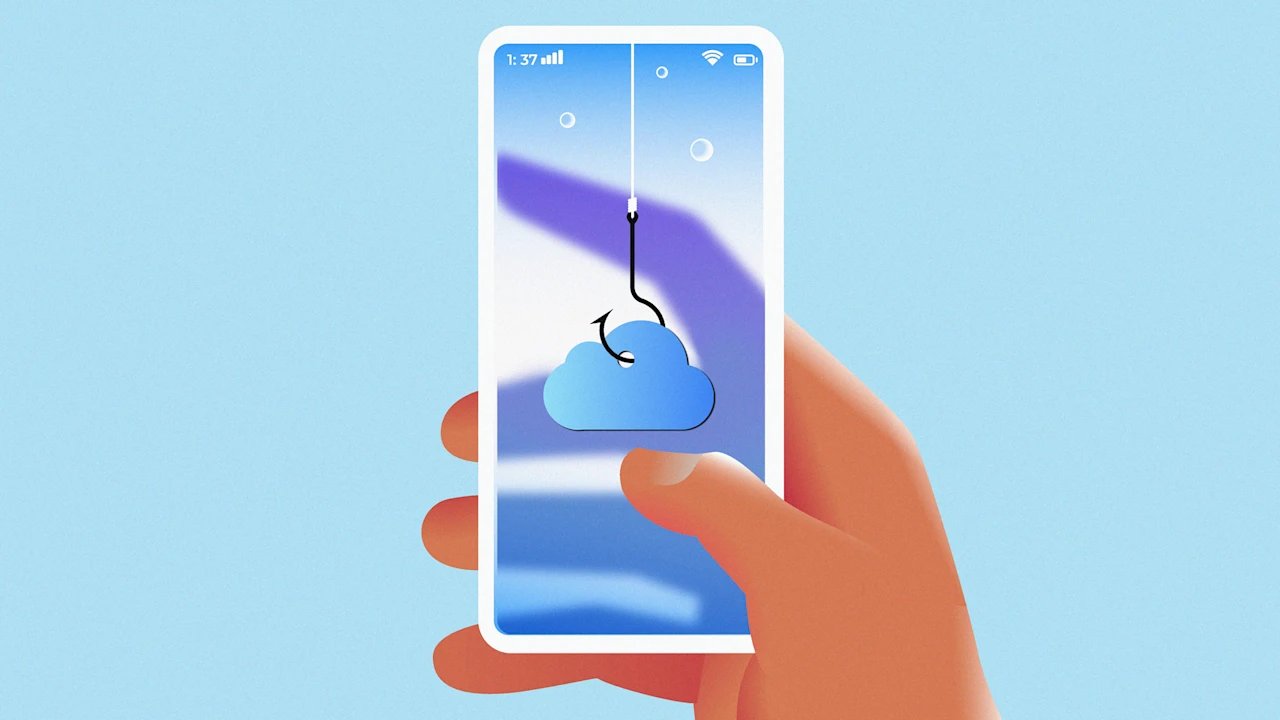
A new wave of phishing scams is targeting iPhone users with alarming messages warning that their iCloud storage is full—and experts say users should proceed carefully.
How the iCloud Storage Phishing Scam Works
“Social engineering attackers use impersonation and manipulation to first gain your confidence and trust,” Apple warns. “Then, they trick you into handing over sensitive data or providing them with access to your account information. They use a variety of tactics to impersonate a trusted company, entity, or someone that you know.”
According to Consumer Affairs, the scam typically arrives via text or email disguised as an official Apple notification, warning recipients that their cloud storage is full and urging them to click a link to “upgrade” to avoid data loss.
Additionally, The Guardian reports the scam takes many forms, with emails bearing subject lines like “We’ve blocked your account!” or “Your payment method has expired!” and warnings that photos and videos will be deleted by a specific date. Others are slightly subtler, with headers like “Payment failed for your Cloud storage renewal.”
In nearly all cases, the emails include a button prompting users to “update” their payment method or “manage” their storage with links that lead to convincing lookalike websites designed to steal Apple ID credentials, credit card details, or other sensitive information. In some cases, the links can even trigger a malware download.
Common Tactics Used by Scammers
The pressure to click the links is intentional and is crafted to push users into acting before they can question the message’s authenticity—and with Apple logos, branding, and language that closely mimics genuine alerts, that deception is easy to pull off.
“This scam is effective precisely because it exploits one of the most emotionally loaded digital threats there is. Losing irreplaceable photos and videos, and pairs it with a brand that hundreds of millions of people trust implicitly,” a Reddit user wrote in response.
How to Distinguish Real Apple Notifications From Fakes
Apple does notify users when their iCloud storage is running low, but those alerts typically appear within the device’s settings or as official system notifications. What’s more, they said they would never ask users to provide passwords or payment details through text messages or unofficial websites.
Experts advise users to ignore any links in unsolicited messages and instead verify their storage status by navigating to Settings on their iPhone and checking their iCloud usage directly.
From photos and contacts to financial details, Apple accounts hold a wealth of sensitive personal data, and device backups. A successful phishing attempt can hand attackers access to every service tied to a single Apple ID.
Red Flags of an Apple Phishing Attempt
According to Apple, there are some key indicators that a message may be a phishing attempt:
- The sender’s email address or phone number doesn’t match the name of the company that it claims to be from.
- The email address or phone number used to contact you is different from the one that you gave that company.
- A link in a message looks right, but the URL doesn’t match the company’s website.
- The message looks significantly different from other messages that you’ve received from the company.
- The message requests personal information, like a credit card number or an account password.
- The message is unsolicited and contains an attachment.
Anyone who suspects they have fallen victim should immediately change their Apple ID password and monitor their financial accounts for unusual activity. Apple recommends reporting suspicious texts or emails that appear to be from the company by taking a screenshot and sending it to reportphishing@apple.com.
—Amaya Nichole, News Writer
This article originally appeared on Fast Company’s sister website, Inc.com.
Inc. is the voice of the American entrepreneur. We inspire, inform, and document the most fascinating people in business: the risk-takers, the innovators, and the ultra-driven go-getters that represent the most dynamic force in the American economy.
