

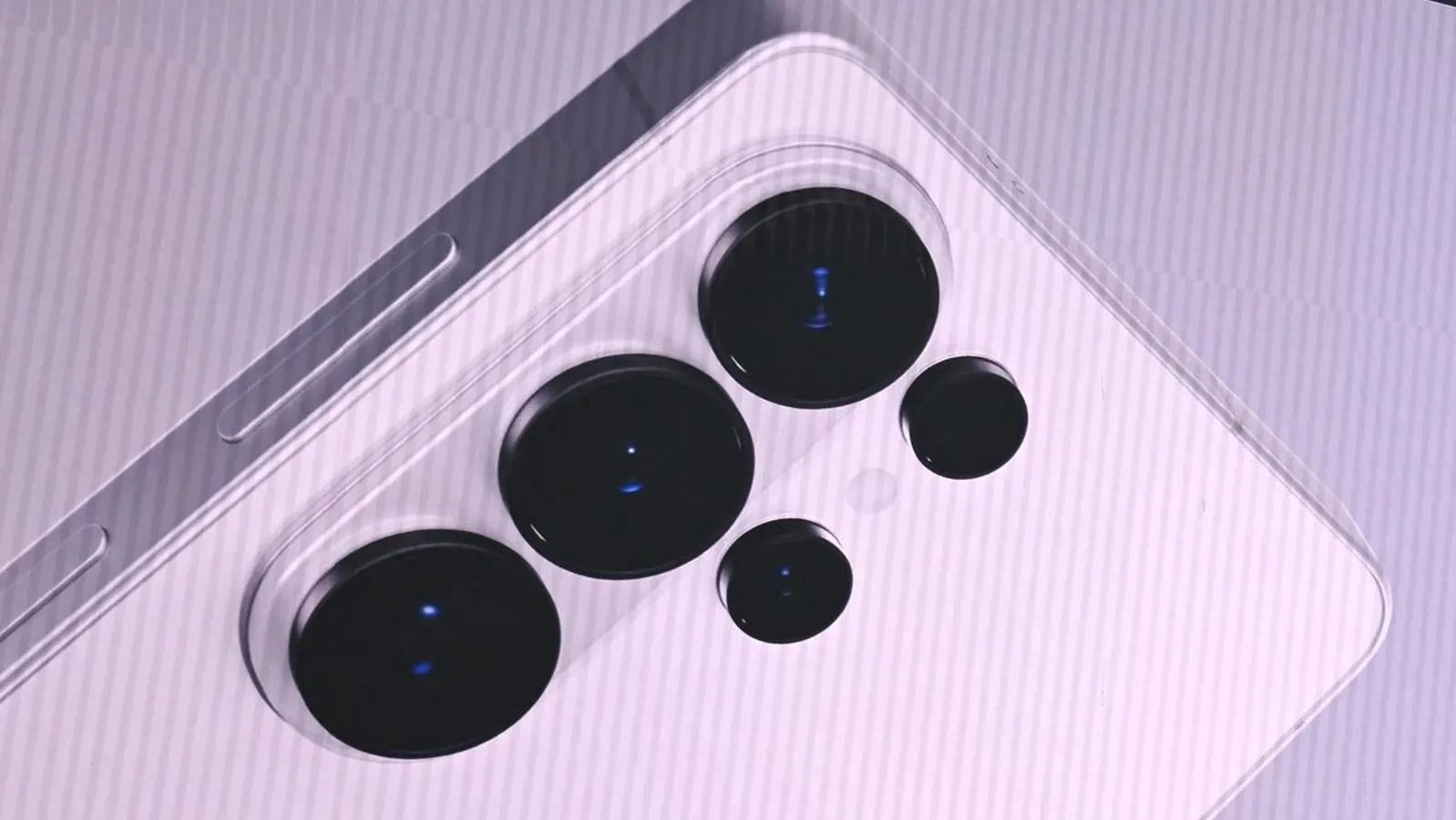
All change for Galaxy.
AFP via Getty Images
Updated on May 17 with additional Android 17 and One UI 9 beta reports.
Samsung’s delayed One UI 8.5 upgrade has just started rolling out, but attention has already turned to One UI 9, which brings Android 17 to Galaxy smartphones. The new Android firmware delivers a raft of security updates, and owners of Samsung flagships will not want to see more delays.
Samsung says One UI 9 “introduces enhanced protection against suspicious apps and potential threats: when new high-risk apps are detected, it now warns users, blocks execution and installation, and recommends deletion through security policy updates.”
Per Android Authority, “in the first One UI 9 beta, within Settings > Security and privacy > More security settings, there’s now a new entry for Manage unknown apps.”
The beta version of the new feature includes a clear warning: “The apps below may put your phone and data at risk because they weren’t installed from an approved source such as the Play Store or Galaxy Store. Uninstall any apps that you don’t trust or recognize.”
Per SammyFans, the current One UI 9 beta “will make Galaxy phones safer and smarter.” Both Google and Samsung are clamping down on sideloading, which is now more restricted thanks to Google’s new police change that forces developers to be registered before they can push apps to mainstream devices. Android 17 also enhanced live threat detection to catch threats early.
Samsung was earlier than Google in locking down phones to protect against malicious apps installed from outside Play Store or its own store. This easy one-touch option to isolate all such apps and then delete them from a phone is a major step forward.
Manage Unknown Apps
Android Authority
But the real question is how fast will it finds it way onto phones. One UI 8.5 was finally released some five months after the first beta went live. No one will want to see this repeated with One UI 9. Android 17 upgrades will hit Pixels fairly soon. The clock will start ticking then.
Per T3, “Android 17 is expected to make its debut on Pixel some time in June or July 2026, with Samsung debuting One UI 9 and Android 17 on the Galaxy Z Fold 8 and Z Flip 8 – expected to launch on 22 July.”
Google has already confirmed that Android 17 will focus on security and privacy, as it narrows the gap to iPhone. A raft of security updates, including enhanced live threat detection, theft protection and scam defenses will come first to Pixel, while Samsung play that usual waiting game.
The next Android OS is a significant leap forward, Google says. “By improving protections against banking scams, and extending powerful protections like Live Threat Detection and Android Advanced Protection, we are ensuring that Android remains the most secure platform.” Galaxy owners will want to see for themselves.
As for which Galaxy phones will get to test these new features, SammyFans says that “since the Galaxy S26 series has already received the One UI 9 beta update, the next devices expected to get it are Samsung’s latest foldable phones – the Galaxy Z Fold 7 and Galaxy Z Flip 7. Samsung is expected to launch new foldable models soon with a stable version of One UI 9. These may include the Galaxy Z Fold 8, Galaxy Z Flip 8, and possibly a new Galaxy Z Fold 8 Wide.”
