

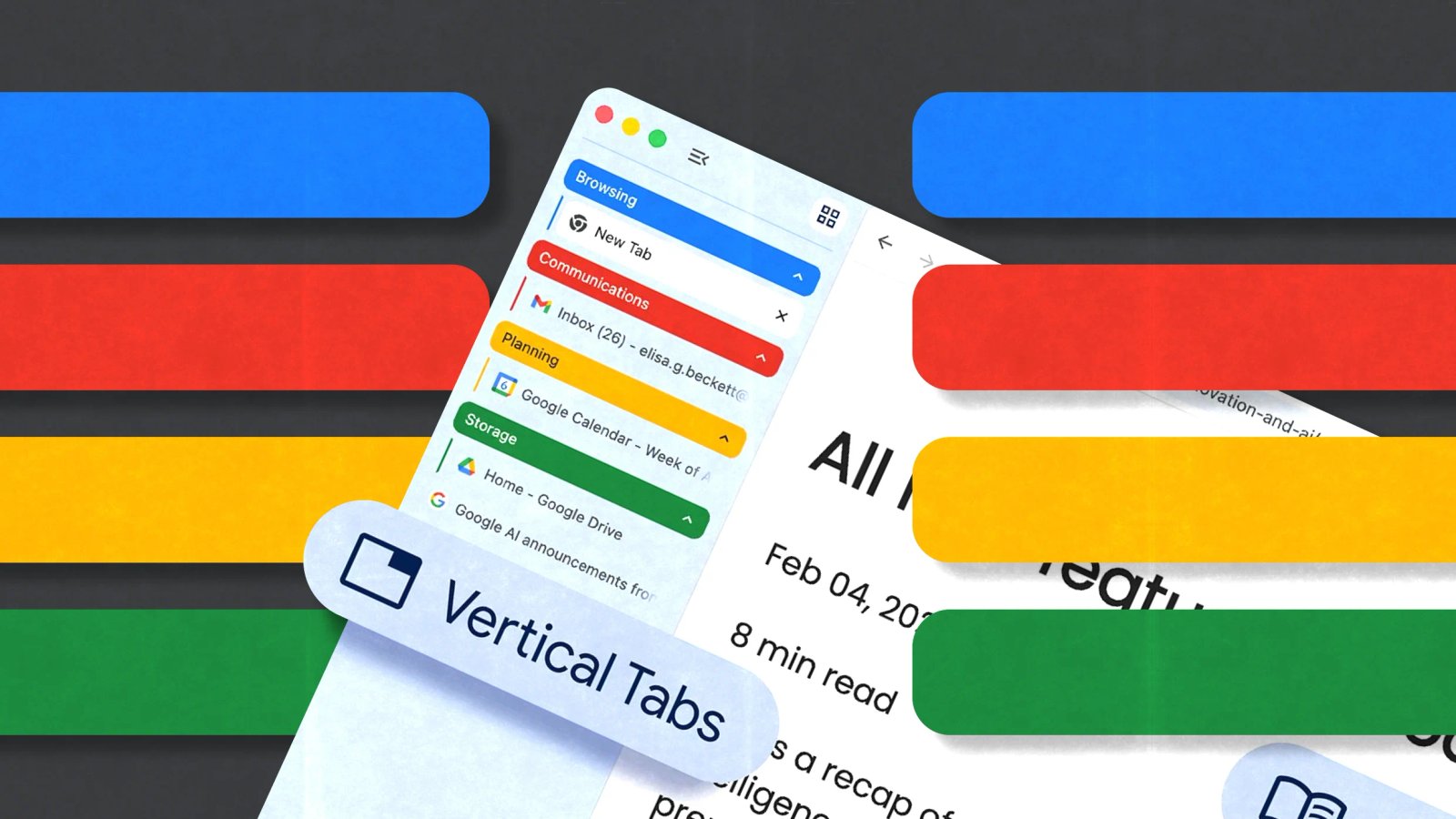
The company announced this week that it’s beginning to roll out an option for users to stack their tabs in a panel on the left side of the browser instead of horizontally at the top.
For tab hoarders like me—who get lost in a million tabs while trying to remember which favicon went with which website, or who have multiple websites open with the same favicon—vertical tabs will give us more information to determine which tab is where. It even works when you have so many open that you have to scroll to reach the end.
The vertical tab interface has two modes: a collapsed version with just the favicons, and an expanded version that shows the full text of the page titles too, no matter how many tabs are open at once, unlike in the horizontal view.
“This layout is perfect for multitasking, saving you time by making sure you never lose a tab,” Chrome product managers Alex Tsu and Jess Carpenter wrote in a blog post.
To turn on vertical tabs, users can right-click on a window and select “Show Tabs Vertically.”
Chrome is also introducing “reading mode” in its latest update, which is a full-page text interface that removes visual distractions. Google is pitching reading mode as a tool for deep focus.
