

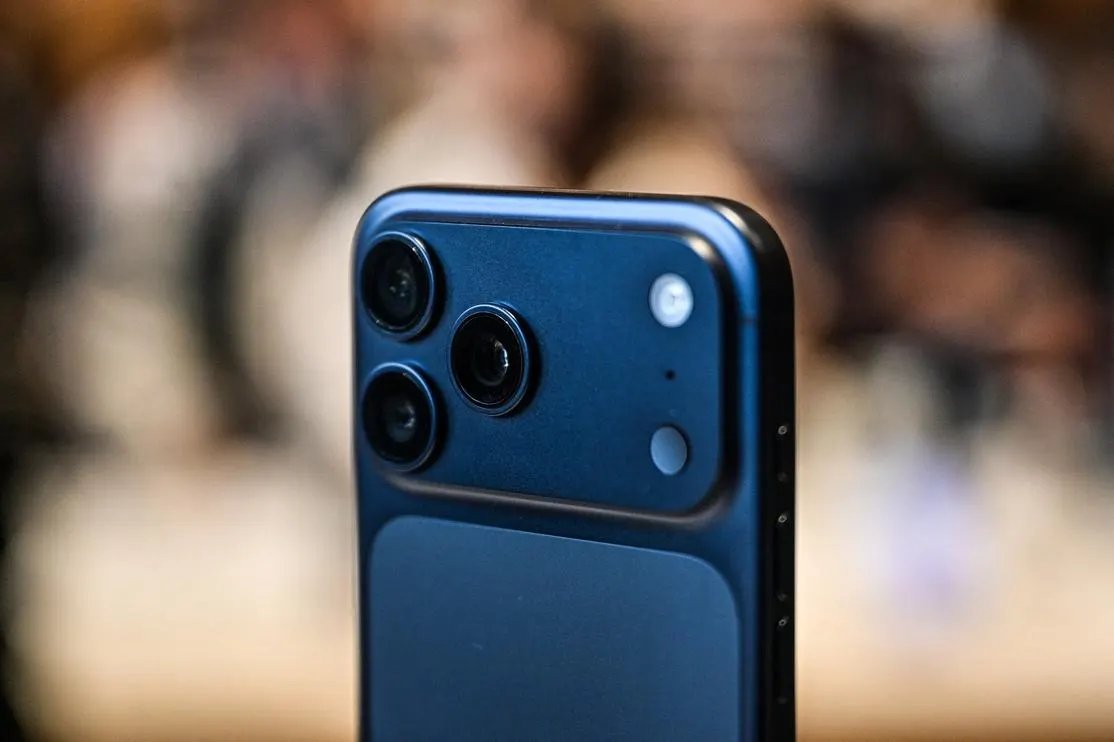
Apple iPhone 17 Pro
AFP via Getty Images
The new iPhone update is here, three weeks since the major-point iOS 26.5 release which landed on Monday, May 11. This large update is designed to fix issues rather than introduce major new features, including a problem with charging nearly drained batteries on iPhone 17, iPhone 17 Pro, iPhone 17 Pro Max and iPhone Air. Here’s all you need to know.
Which iPhones Can Run iOS 26.5.1?
We’re almost through the main part of the iOS 26 cycle, so you’ll probably know by now that this one is for all iPhones from the iPhone 11 series onwards, that is, all iPhones released in 2019 and later. It includes the second-generation and third-generation iPhone SE models. All members of the iPhone 17 series, including the latest release, iPhone 17e, plus iPhone Air, are also supported.
How To Download And Install iOS 26.5.1
Go to the Settings app on the iPhone and choose General, followed by Software Update. Here you’ll find Download and Install, and it’ll be downloaded promptly. It’s a sizeable update, 17.44GB on my iPhone 17 Pro Max, but the size of the update will depend on how long ago you previously updated the phone.
If your iPhone currently runs iOS 26.3, say, or even iOS 18, your download will be even bigger — and take longer. For my iPhone, the time from requesting the download to finishing installation was 18 minutes.
iOS 26.5.1 — What’s In The Release
This is what’s called a minor-point update, though it’s much bigger than these usually are. There have been several in recent months which introduced new features and had zero security implications, and this one is all about fixes.
“This update addresses an issue for a small number of users that may prevent wired charging on iPhone Air and iPhone 17 models when the battery is nearly drained,” Apple said in its release notes. This means iPhone 17, iPhone 17 Pro, iPhone 17 Pro Max and iPhone Air.
