

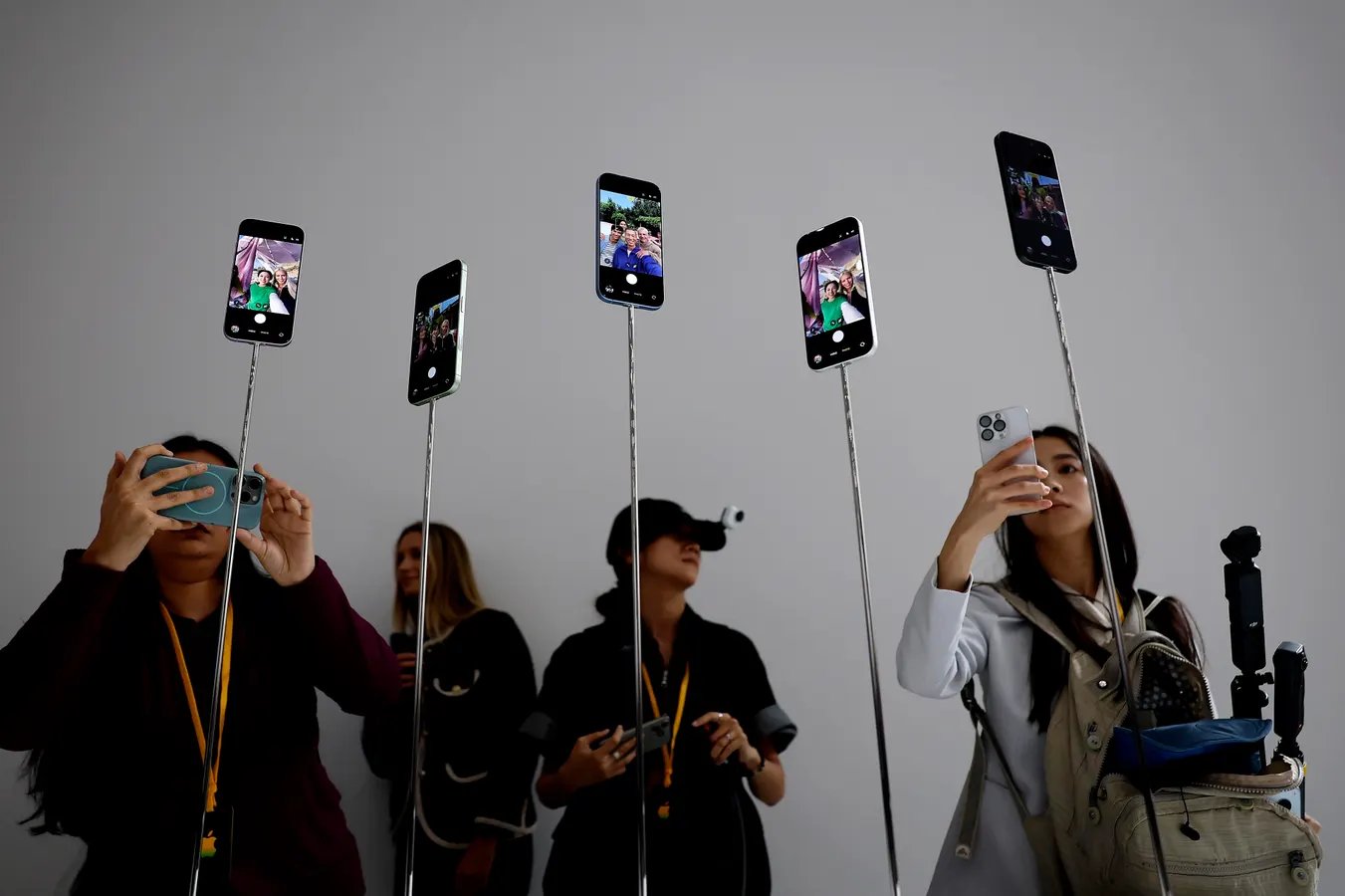
Apple iPhone 17
Getty Images
The latest iPhone update is now available, following weeks of beta releases, and a last-minute, unexpected second release candidate (details here). That second RC could have meant a later general release, but no, here it is, right on schedule. Here’s all you need to know about the new features and compatibility.
Which iPhones Can Run iOS 26.5?
This update is like all the others in the iOS 26 cycle, this one is for all iPhones from 2019 onwards. That means the iPhone 11 series and later. The second-generation and third-generation iPhone SE handsets are included. All members of the iPhone 17 series, including the latest release, iPhone 17e, plus iPhone Air, are also supported.
How To Download And Install iOS 26.5
To update to the new software, go to the Settings app on the iPhone and select General, followed by Software Update. Here you’ll find Download and Install, and it’ll be downloaded promptly. It’s a medium update, 1.61GB on my iPhone 17 Pro Max. It downloaded and installed in around 25 minutes.
iOS 26.5 — What’s In The Release
Let me break it to you gently: new Siri isn’t here. That’s no surprise as it wasn’t in any of the betas and an increasing number of analysts have said that the new, more personalized Siri would be held until iOS 27 is announced on June 8 at WWDC. But some people were still hopeful. Sorry.
End-To-End Encrypted RCS Messaging
What is here, though, is a major change to messaging. After months of testing, end-to-end encrypted RCS messaging is still available. It’s still in beta even in this release, and it’s worth remembering that it won’t arrive for everyone immediately — it requires the participation of your carrier, for a start.
When it’s there, it will mean that messages sent between iPhones and Android phones will finally be encrypted. Messages between iPhones, the blue bubbles, already are.
Pride Luminance Wallpaper And Maps Updates
Additionally, there’s a new wallpaper to celebrate Pride. It’s called Pride Luminance and “dynamically refracts a spectrum of colors,” Apple said in the release notes.
Finally, Maps adds recommendations in a feature called Suggested Places. The recommendations are based on what’s trending nearby and your recent searches.
