

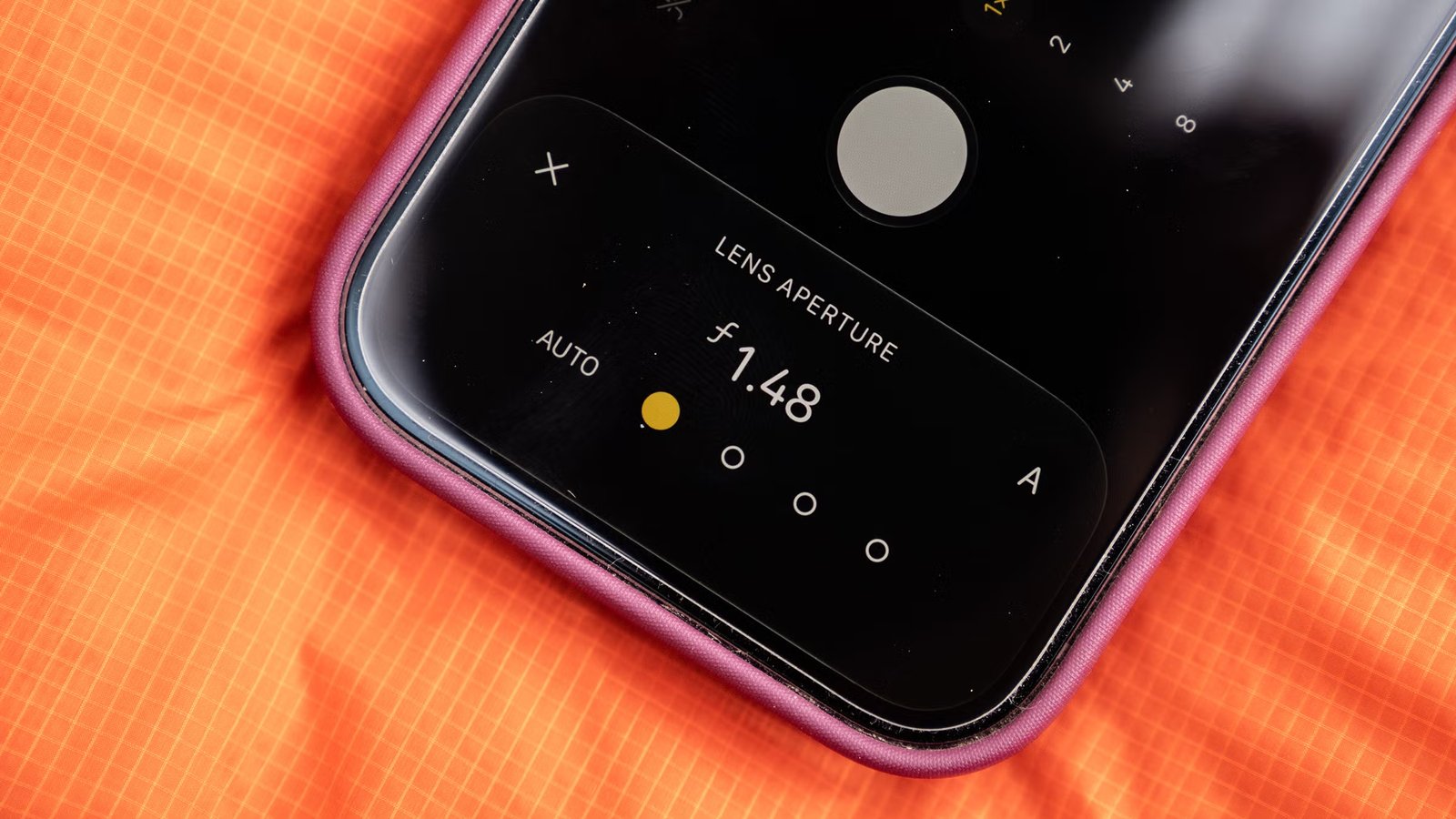
The new iPhone comes with aperture control, a vintage camera feature that gives you more control of your images.
The new iPhone 18 Pro has the widest aperture ever on an iPhone, letting in more light when needed. (Photo: Jakob Schiller)
Published September 16, 2026 06:00AM
All traditional cameras, except for the simplest point-and-shoot, have always come with a mechanical aperture to control the amount of light that reaches the film or sensor. Phone cameras, on the other hand, have never incorporated one because of size restraints.
That changes with the new iPhone 18 Pro and Pro Max. Both come with a physical iris on the main 48-megapixel, 24-millimeter lens that can be manually controlled to let in more or less light. The shutter is still digital, but it can also be manually controlled for the first time.
It feels odd to be celebrating something as basic as an adjustable aperture and manual camera options—like we’re going backwards in time. But, having tested it, I’m excited to have more control over how I make photos.
Apple iPhone 18 Pro
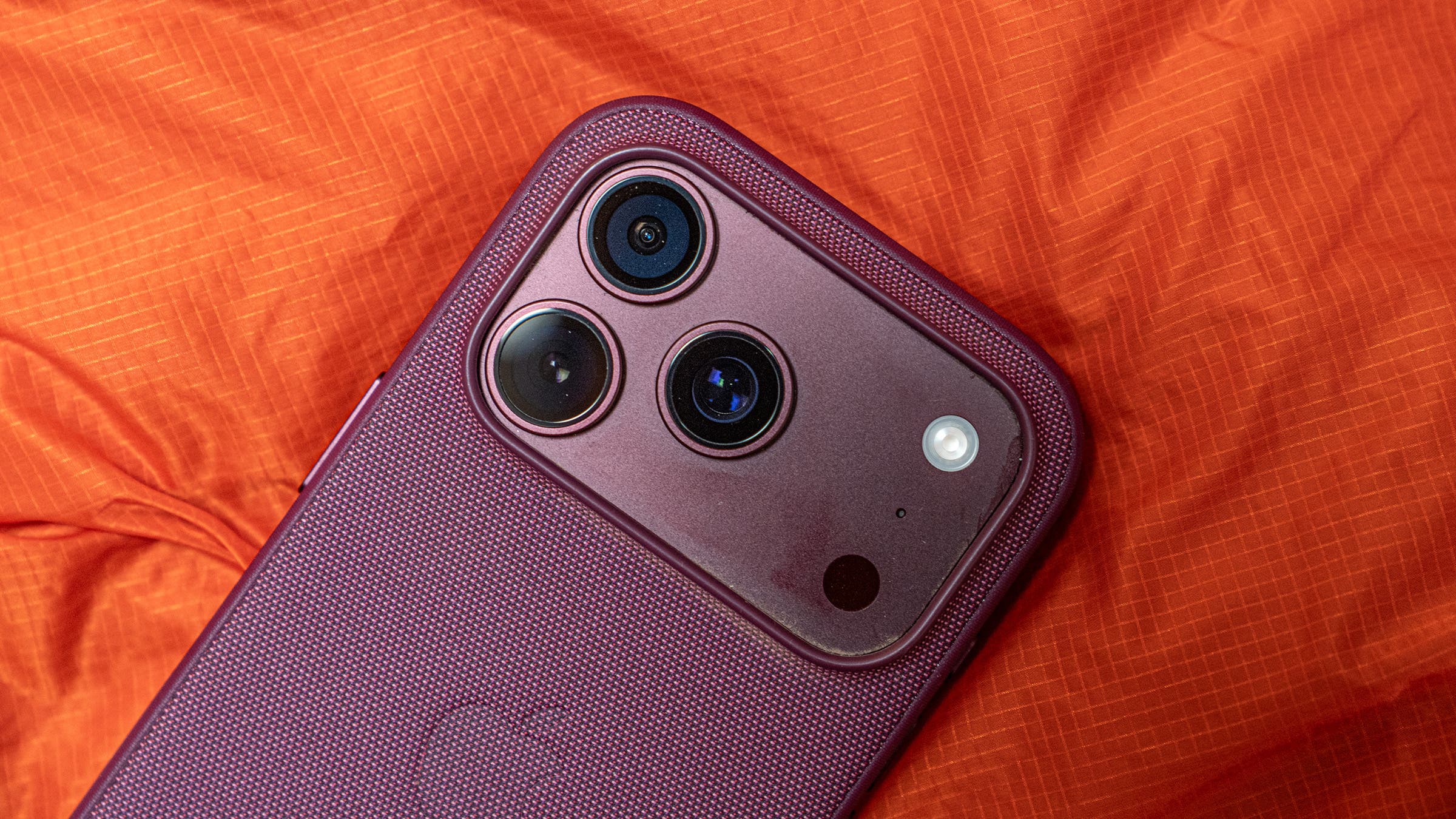
How the New Aperture Control on iPhone 18 Pro Works
After opening the iPhone 18 Pro’s camera app and choosing the main lens, you can peg the aperture and shutter controls to the top of the screen. Tapping these controls brings up a menu that lets you dial in your preferences. For aperture, you can choose from f/1.48, f/1.8, f/2.8, and f/4.
That’s a limited range, but there’s a reason. The sensor inside the iPhone is much smaller and closer to the lens than what you’d find in a DSLR or full-frame mirrorless, so at f/4 you actually get a near-infinite field of focus and there’s little need to go higher. On the other end, Apple stopped at f/1.48 because anything wider would have necessitated a larger lens and compromised how it fits in your pocket. Note: The f-stop control on recent iPhones makes it seem like you can select f/1.4 to f/16, but the aperture is actually fixed. The illusion of changing the aperture and depth of field is created by the software digitally blurring or sharpening the background. Until now, you could not actually change the amount of light the lens let in.
Using the iPhone 18 Pro’s f/1.48 aperture, the widest ever on an iPhone, you can now let in a lot more light. Anyone who’s shot a full-frame mirrorless camera knows that f/1.48 creates a razor-thin depth of field and helps you practically see in the dark. On the iPhone 18 Pro, the depth of field and light-gathering ability aren’t quite as powerful but are still significantly better than what you get with the fixed f/1.78 aperture on the main lens of the iPhone 17.
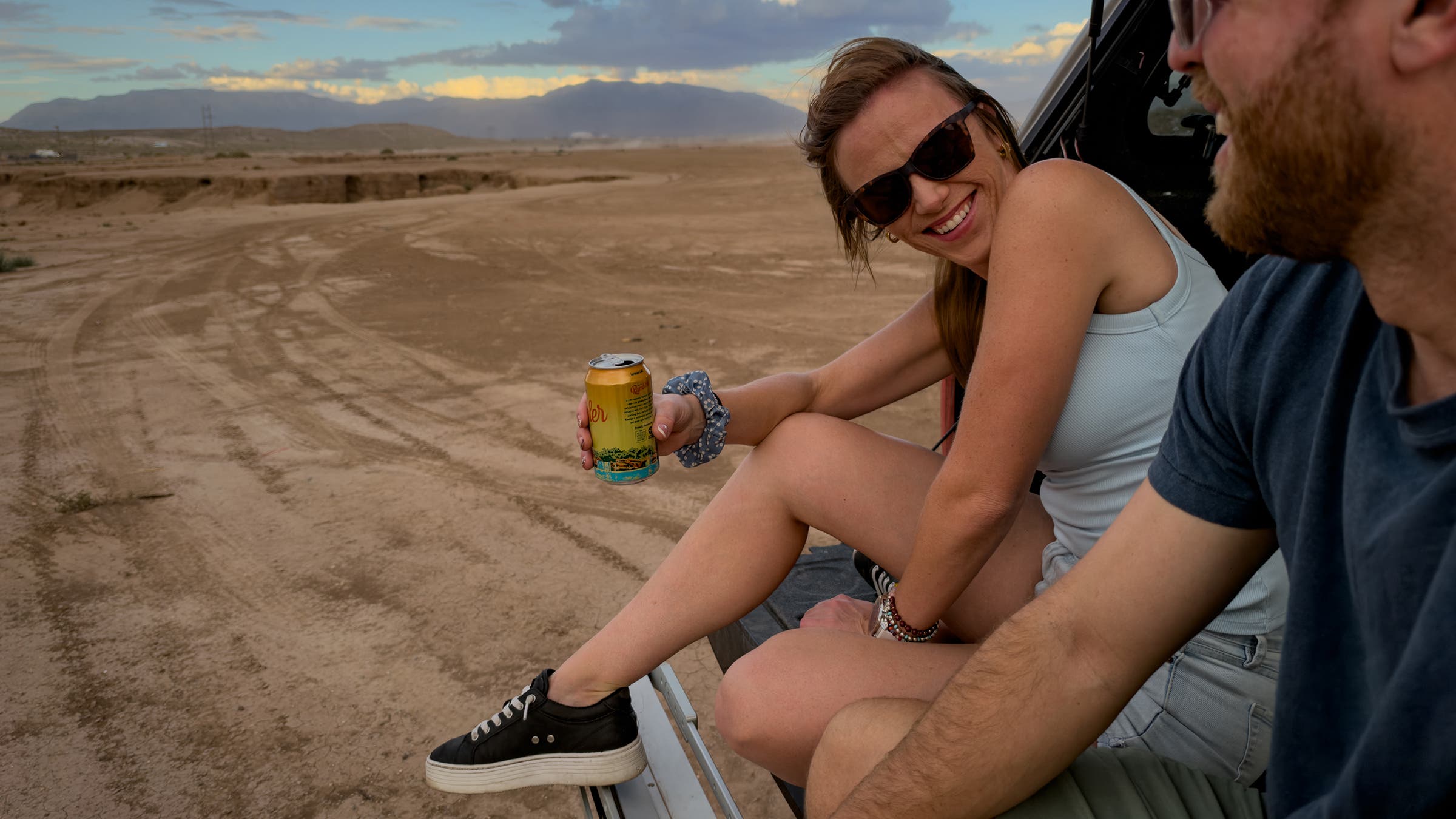
I found the manual aperture control super useful. When I wanted to capture a scene with multiple people but emphasize just one, for example, I opened the aperture control, dialed down the depth of field, and was able to send the viewer’s eye to a specific part of the frame. In darker situations, I widened the aperture to allow light into the sensor, rather than having the phone compensate by dialing up the ISO, which can cause the photo to fall apart digitally (Note: the camera will still adjust the ISO whenever the light is too low for the widest aperture). Whenever I selected the aperture manually, the phone adjusted the shutter speed to ensure the correct exposure, just like the aperture-priority mode on traditional cameras.
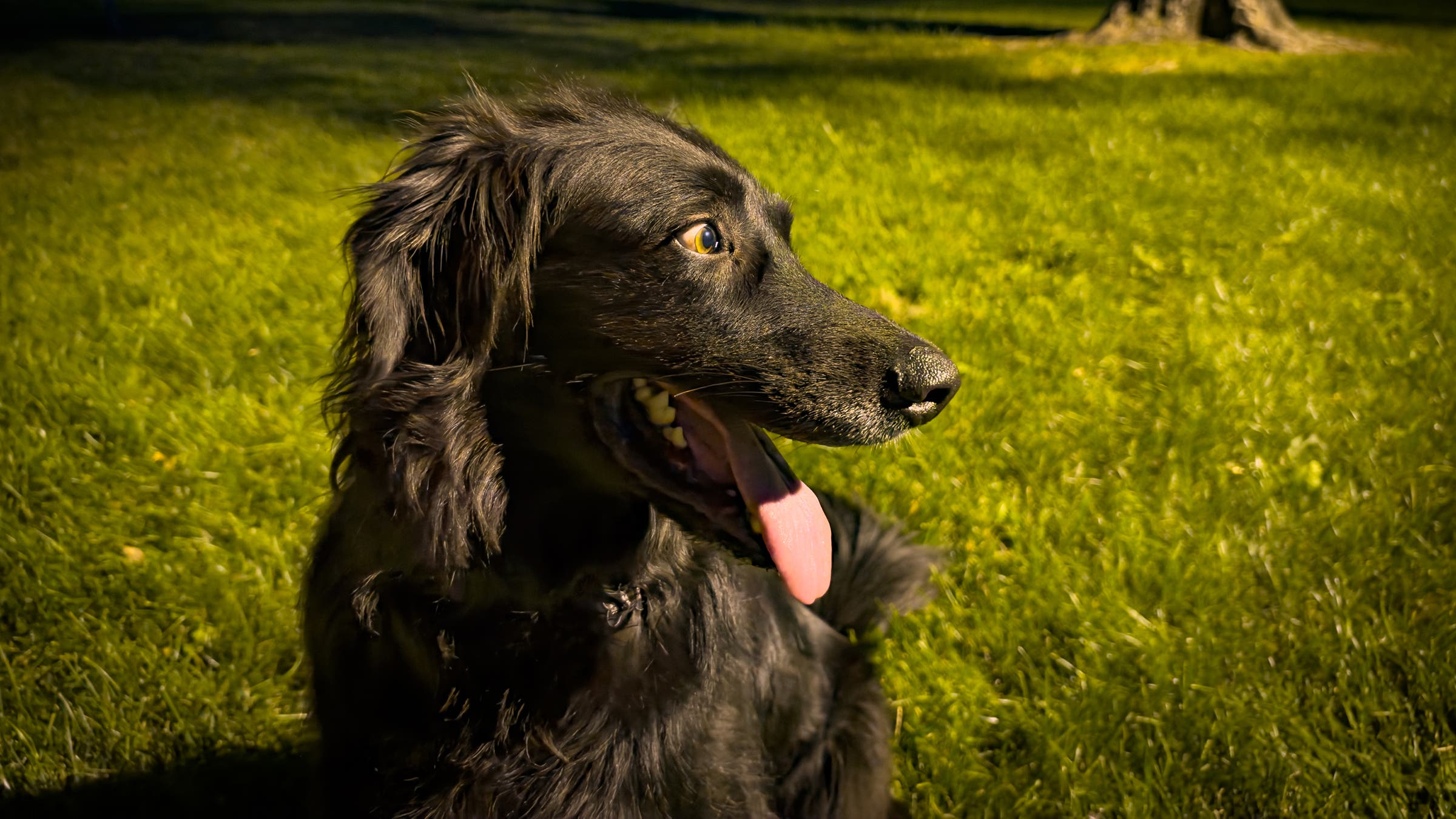
When I wanted a fast shutter speed to freeze fast-moving subjects, I selected the manual shutter control and the phone adjusted the aperture to create the correct exposure. In this setting, the phone acts like the shutter-priority mode on DSLRs and mirrorless cameras.
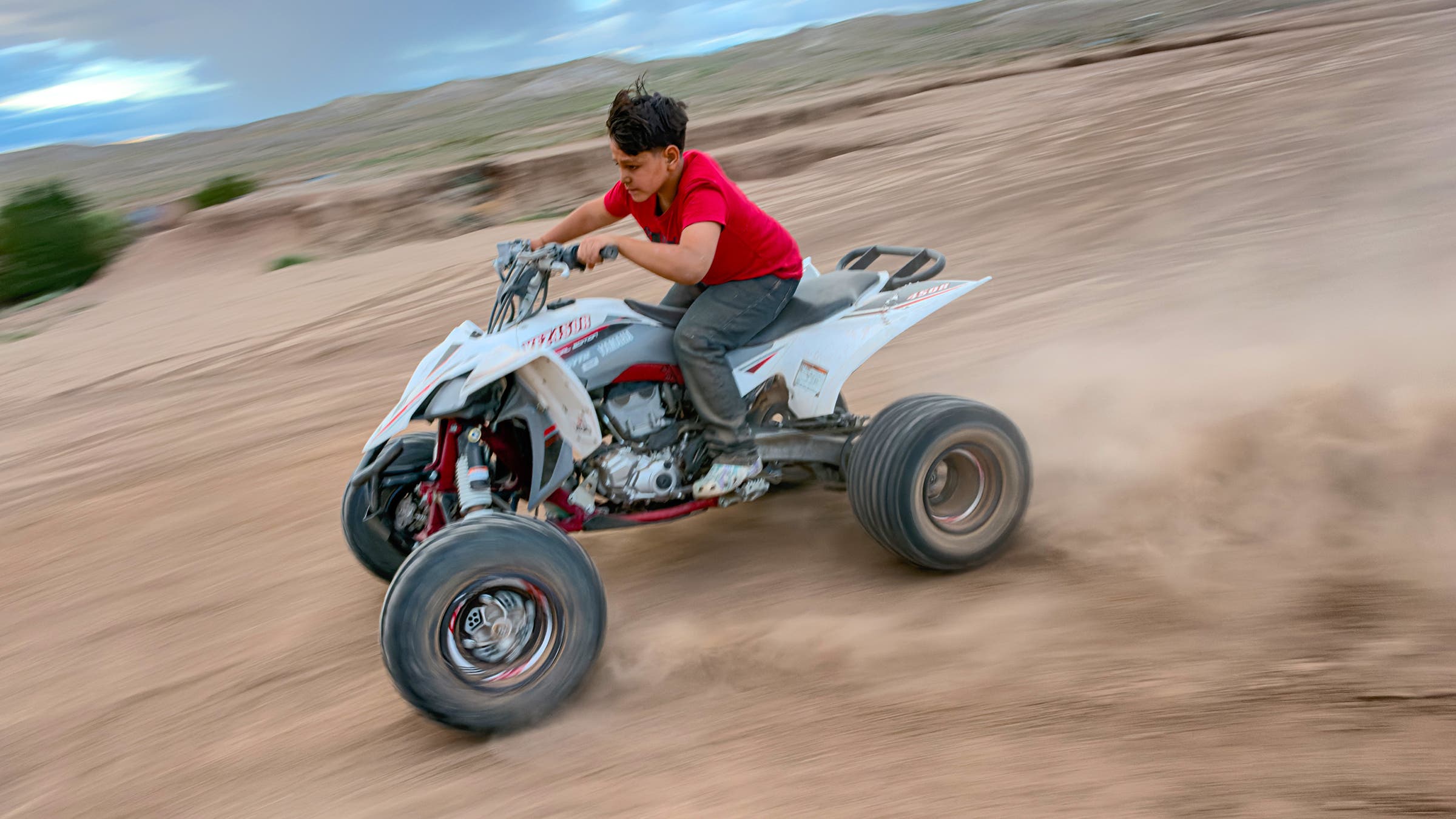
In a lower-light panning situation, where I followed moving vehicles to keep them in focus but blurred the background, I selected manual control for both aperture and shutter. I was able to tell the iPhone to set the aperture at f/4 to allow in less light, which enabled me to slow down the shutter speed. I soon, however, discovered the limitations of the small aperture range, as even using the narrowest setting of f/4, the image got blown out with light whenever I slowed the shutter past 1/30th of a second. I still, however, was able to shoot better motion shots than on any previous iPhone.
Subject Tracking and Manual Focus Control
The 18 Pro is the first iPhone to get subject tracking, a feature photographers love on DSLRs and mirrorless cameras. It works by tapping a subject in the frame, which tells the camera to lock onto that person no matter where they move. This took some getting used to, but was helpful while photographing my son during a soccer game.
Also new is a manual focus setting in which sliding one way on a digital dial tells the camera to focus whatever is closest to the lens, and sliding the other way focuses on the background. I found it a bit difficult to quickly identify where the focal plane was, but luckily there’s focus peaking, where whatever is in focus gets outlined in white as a visual cue.
I found it nearly impossible to access any of these manual controls one-handed while holding the phone vertically, so I usually shot horizontally. Two hands made it much easier to tap the aperture or shutter speed feature, swipe to the setting I wanted, and click the shutter. The process was much slower than what I could do on a mirrorless camera, but with practice I had a well-organized workflow.
Should You Upgrade to the iPhone 18 Pro?
I’ve long recommended the iPhone to Outside readers because it has a powerful camera that fits in your pocket and is great for adventuring. Thanks to upgrades like larger sensors and smart software, all the recent iPhones take damn nice photos.
The inclusion of an adjustable aperture and more manual controls on the 18 Pro make it significantly more useful than the 17 Pro. Whether you should buy comes down to how you plan to use the camera and what other gear you already have in the closet.
If you own a DSLR or mirrorless camera and don’t mind hauling it in your backpack, that’s still a better option. If you have an iPhone 16 or 17 Pro and don’t care that much about manual controls, don’t upgrade because your photo quality will be similar.
If, however, you’re a photo geek like me and adventure a lot but don’t want to haul along a bigger camera, the iPhone 18 Pro is an attractive option.
